Choose a video or audio recitation from your phone or computer.
2
Check the passage
The surah and ayat are identified and every word is timed to the reciter. If it isn't certain, you choose the passage yourself.
3
Style
Pick the Quran script, translation, highlight color and placement while the preview updates.
4
Export
Download an MP4 in 720p, 1080p or 4K, depending on your plan.
Made for the Quran, not adapted to it
Canonical text, word by word
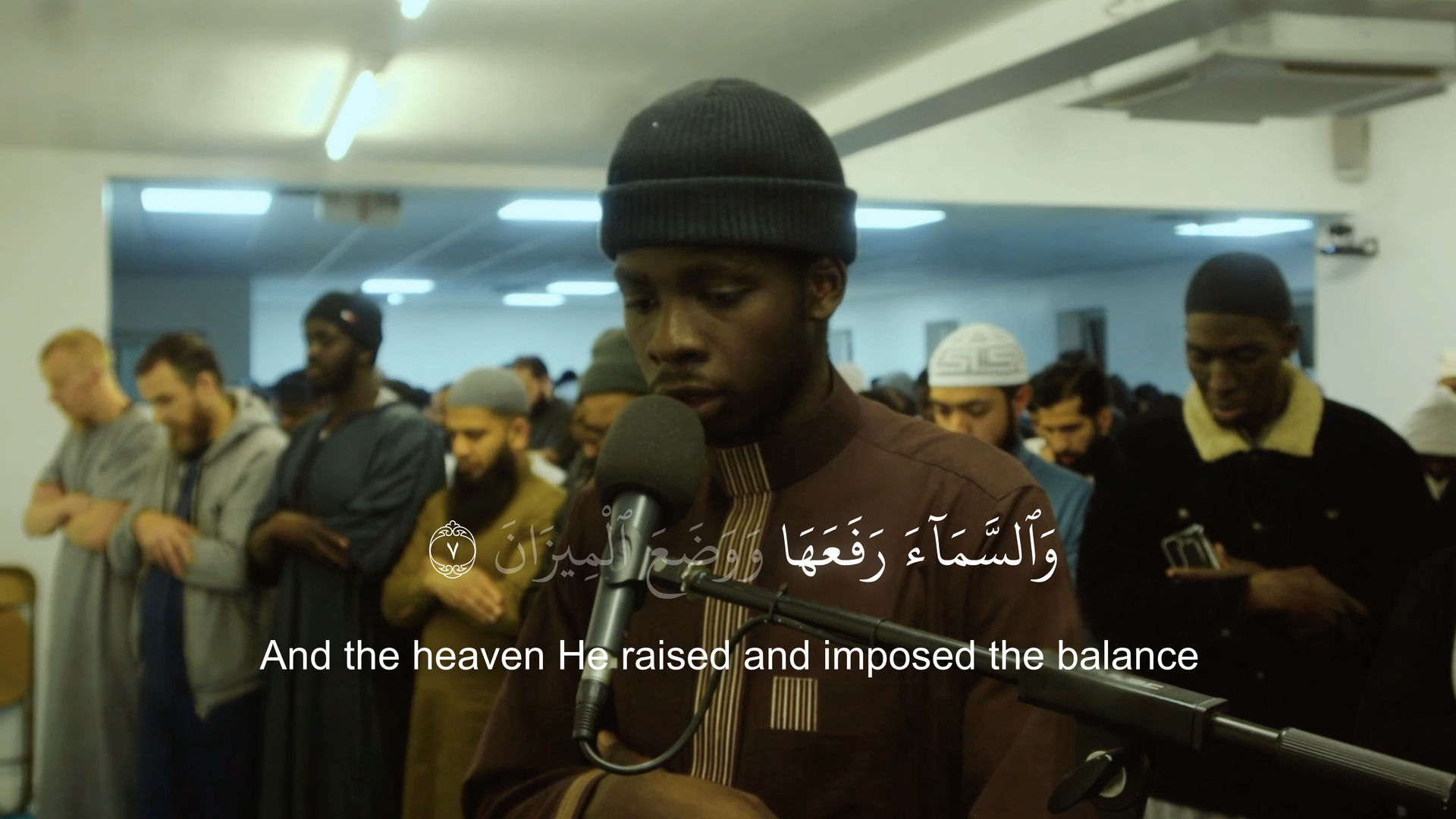
Captions come from the Tanzil Uthmani text rather than a transcription, and each word is timed to the recitation.
Uthmani, IndoPak and traditional Naskh scripts
Read-so-far or current-word highlighting
Long ayat split into readable lines
English (Saheeh International) or Spanish (Muhammad Isa García) translation
Timing you can see and adjust
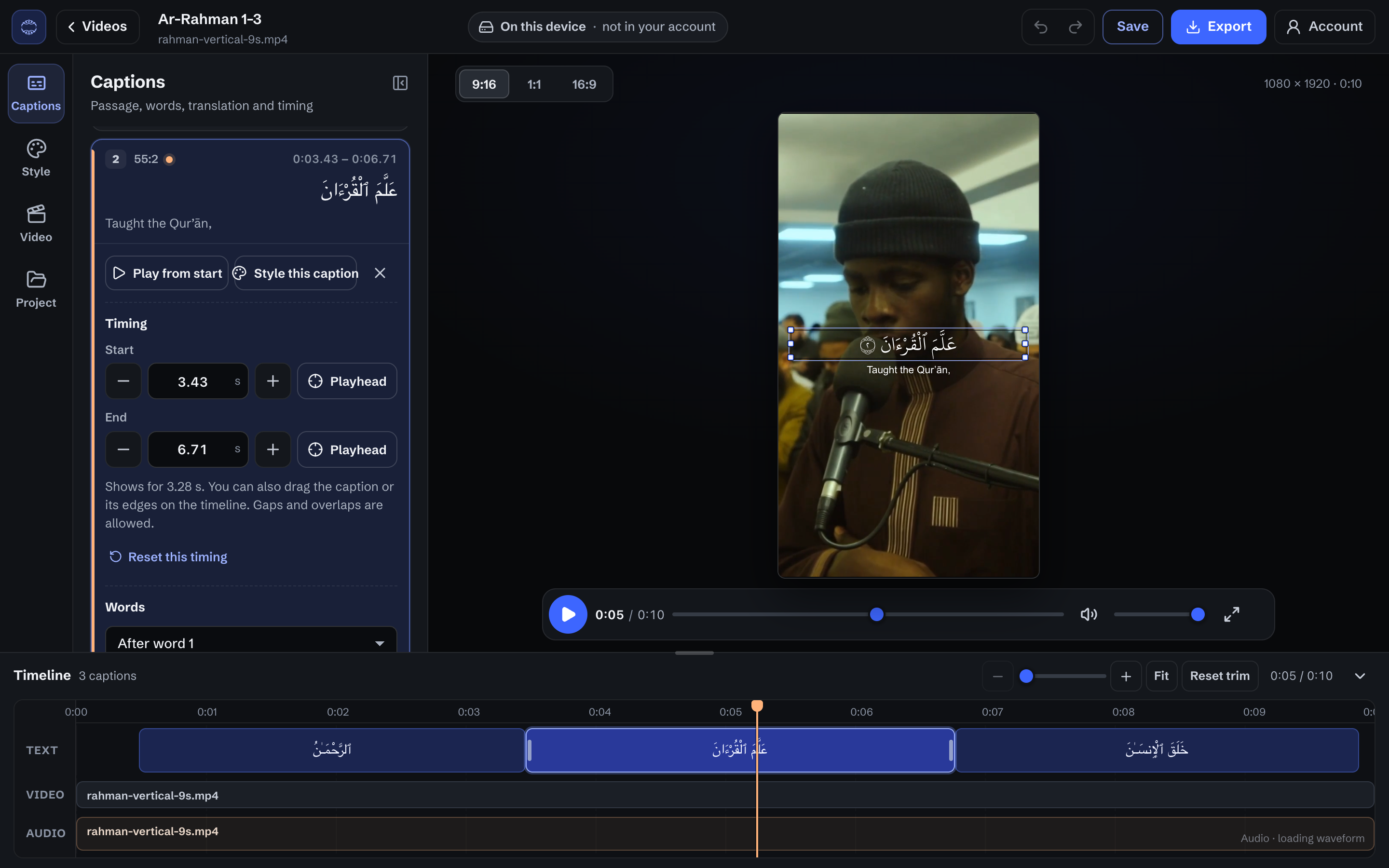
Every ayah sits on a timeline beside the waveform. Drag an edge, type an exact time, or split and merge captions — and undo anything.
Caption list with start and end times you can type
Style every caption, or just the one you selected
Vertical, square and landscape formats
Start free. Upgrade for sharper exports.
Every plan includes the full editor. Plans differ in export quality and the watermark.
Free
$0Free to start
720p exports
Quran AutoCaption watermark
Keep all your saved videos
Pro
$9.99per month, or $99 yearly
Up to 1080p exports
No watermark
Cloud project access
Premium
$19.99per month, or $199 yearly
Up to 4K exports
No watermark
Cloud project access
Prices in US dollars. Choose or manage a plan from Billing after signing in.
Questions
Is there a free plan?
Yes. You can create and edit Quran caption videos without a subscription. Free exports are available in 720p with a Quran AutoCaption watermark, and Free accounts keep all their saved videos.
Does Quran AutoCaption upload my recitation?
Media preparation, editing, Quran recognition, and rendering happen locally in your browser. After signed-in generation, the project, source recording, and thumbnail are automatically saved privately to your account. Choosing Save in the editor also saves the project and source media.
What if the passage isn't recognized?
Automatic recognition needs at least 10 seconds of audio. For a shorter recording, or when the passage can't be identified confidently, you select it yourself: choose the surah and ayat, confirm the first and last words, and set the timing. Then edit as usual.
Which translations are available?
English (Saheeh International) and Spanish (Muhammad Isa García), loaded from QuranEnc. You can show or hide the translation and style it separately from the Arabic.
Can I cancel anytime?
Yes. Subscriptions can be managed or cancelled through the billing portal. When cancellation is scheduled for the end of a billing period, paid access remains active until that period ends.